
Microsoft MVP • Founder, The New Excel
David Bahlavooni

30 years of making Excel behave like real software.
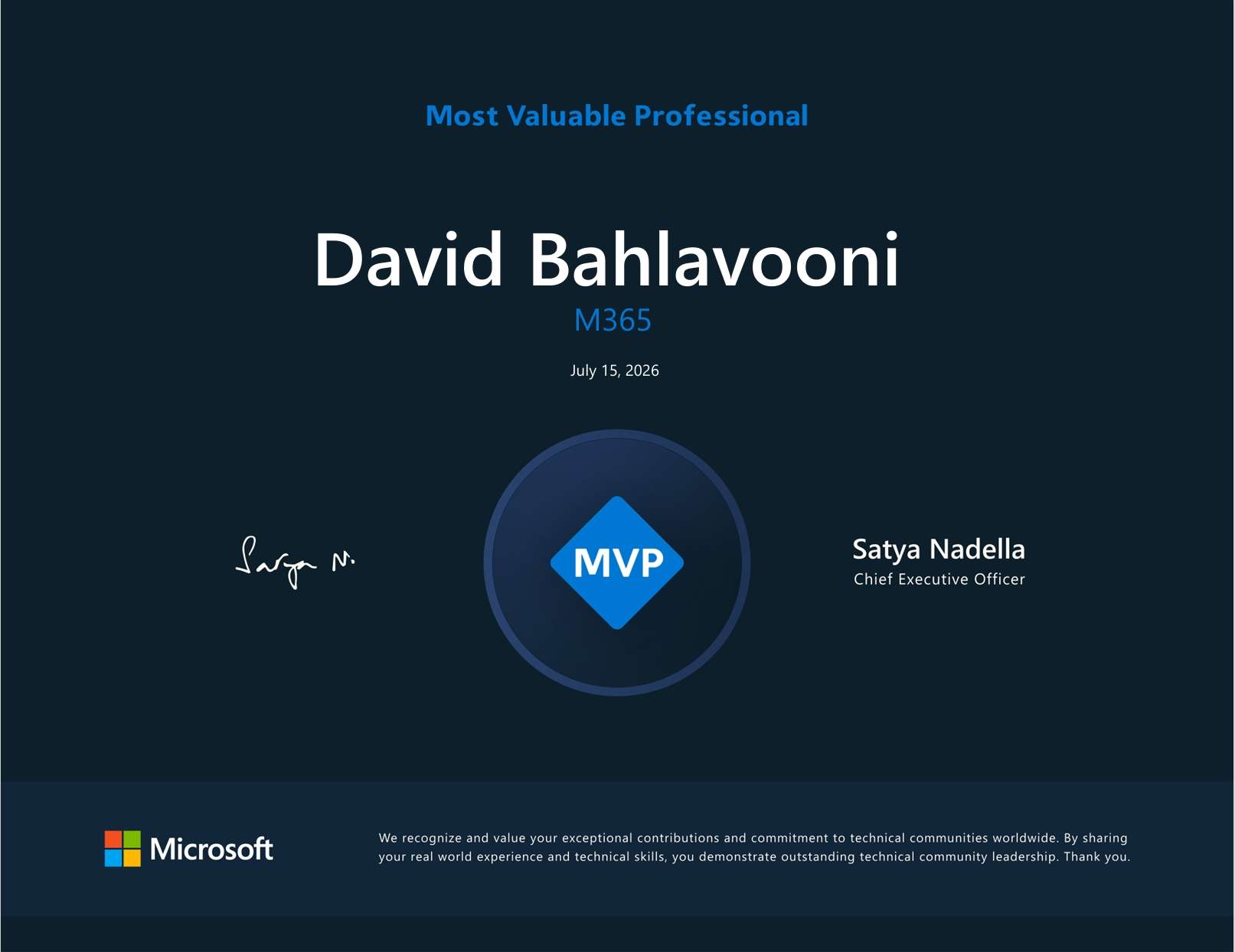
Awarded to a small number of independent experts recognized for deep technical expertise and community contribution.
My Story
Excel and I first met in 1997, when I started my career with a money management firm. Despite having no prior spreadsheet experience, I became the go-to Excel guy within six months. Why? I realized every spreadsheet was really just answering three questions. I acquired whatever skills I needed to answer them, whether that was new formulas, VBA, custom functions, user forms, or database queries.
Over the next two decades, I built every mission-critical spreadsheet at my firm, becoming the go-to automation expert and learning how tightly intertwined Excel and databases should be. Excel was never about cells. Excel was all about structure. Generating twenty reports took the same amount of work as generating one. Printing 200 graphs a day was as easy as printing 1 — and it could be fully automated.
Along the way, I developed three rules I still build by: structure is the only thing permanent in Excel, every value is stored once, and – above all – protect the user.
Rule 1
Only structure is permanent
Data is just data. Its content doesn’t matter. What matters is its structure. Dates must be dates. Numbers must be numbers. And the data must be rigorously organized.
Only when you want to use the data is its content important — and the structure puts it where it needs to be.
Rule 2
Every value is stored once
Applying a database mindset, every value is stored in one place. If the same value is needed in five places, all five point directly back to that one source. No daisy-chaining cells across worksheets. No “multiple sources of truth” quietly drifting out of sync. One truth. One place.
Rule 3
Protect the user
You don’t know who will be using your spreadsheet, so anticipate their needs, guardrail them against breaking things, and ensure the integrity of the data.
Excel is powerful and ubiquitous. It should also be easy to use.
Excel eventually evolved in the same direction. Power Query, Lambda functions, and dynamic array formulas move Excel from cell-by-cell logic to structured frameworks. These tools — now at the center of everything I build — make it easier to solve the problems I’d already been solving by hand for years.
I stand at the forefront of this “New Excel,” continually pushing the boundaries of what can be done. That work was recognized when Microsoft named me an Excel MVP in 2024.
Unlocking Excel's true power requires someone building spreadsheets full time. If you don't have that person in-house, you can find a partner here.
Who I work with
I work with organizations that depend on Excel but don’t have a full-time Excel developer. Whether you need one critical workflow rebuilt or a whole suite of tools, I make sure your processes run smoothly and consistently, not on spreadsheets cobbled together by hand.
You don’t just get a spreadsheet. You get a solution.